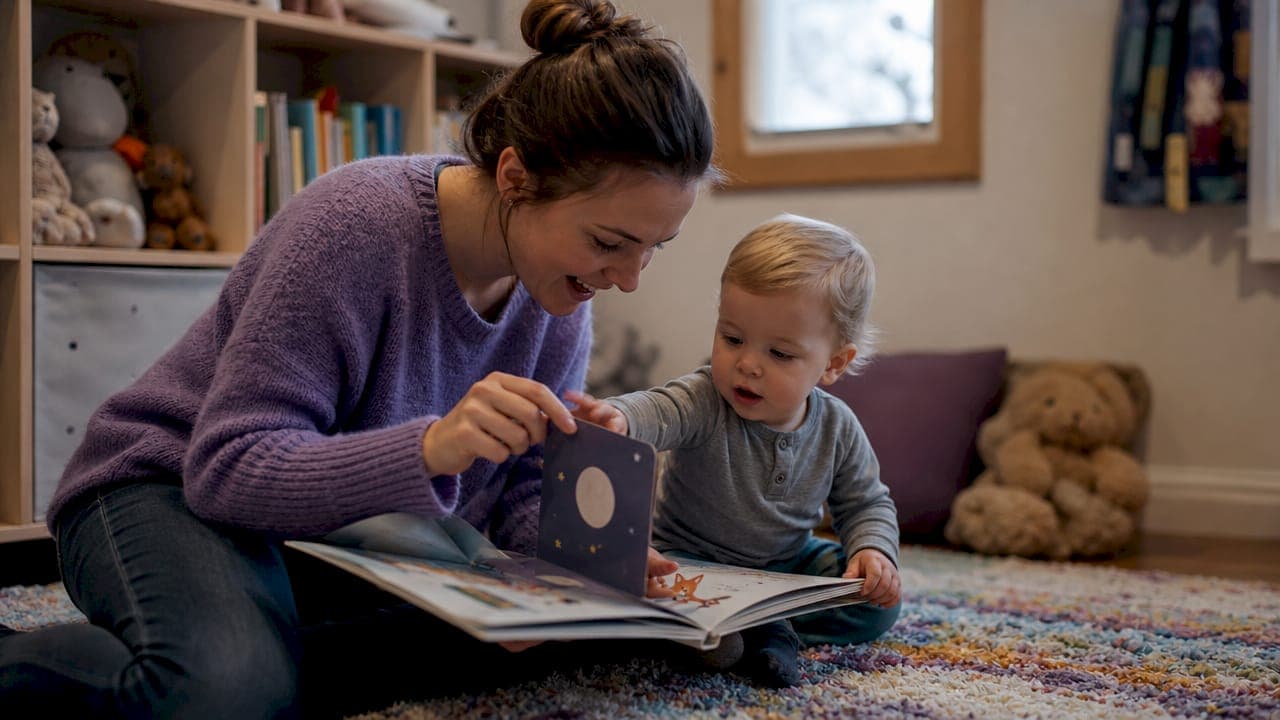
Interactive children's books are books designed to require active participation from children, using physical elements like pop-ups and lift-the-flaps or digital features like embedded audio and quizzes to turn reading into a hands-on experience. The types of interactive children's books fall into two broad categories: physical and digital. Each format engages children differently, and knowing the difference helps you pick the right book for your child's age, learning style, and attention span. Both formats support vocabulary growth, reading comprehension, and the kind of confidence that comes from small reading wins.
1. Types of interactive children's books: physical formats
Physical and digital interactive books are the two main categories parents and educators work with. Physical formats are the ones you can hold, bend, and feel. They do not require a screen, a charge, or a Wi-Fi connection.
Lift-the-flap books
Lift-the-flap books hide images or words beneath paper flaps. Children predict what is underneath before lifting, which builds reasoning and anticipation. This prediction habit is one of the earliest forms of reading comprehension practice. These books work especially well for children ages 1–5.
Pop-up books
Pop-up books use mechanical paper engineering to create three-dimensional scenes when a page opens. The visual surprise holds attention in a way flat illustrations rarely do. High-end pop-up titles can reach $80 each, reflecting the design complexity involved. They are better suited for older children who can handle them carefully.
Touch-and-feel books
Touch-and-feel books embed different textures directly into the page. A page about a bunny might include a soft fur patch. Sensory exploration through touch builds neural connections in toddlers and supports early language development when adults name what children feel.
Movable books: pull-tabs, sliders, and volvelles
Movable books are a distinct subcategory involving pull-tabs, sliders, and volvelles (rotating paper wheels). These mechanical components offer high tactile engagement and teach cause-and-effect thinking. They are more durable than pop-ups in most cases, though complex mechanisms can still tear with rough handling.
Write-in and draw-in books
Write-in and draw-in books prompt children to complete sentences, sketch characters, or fill in story gaps. This format turns the child into a co-author. It is one of the most direct ways to practice fine motor skills and creative thinking at the same time.
Pros and cons of physical interactive books:
- Pros: No screen time, durable for repeated use, sensory engagement, no battery or connectivity needed, collectible value
- Cons: Mechanical parts can tear, higher price for complex formats, not easily updated, limited multimedia capability
Pro Tip: When buying physical interactive books for children under 4, check that flaps and tabs are made from thick board stock rather than thin paper. Board book versions of lift-the-flap titles last significantly longer with daily use.
2. Digital interactive children's books: what actually makes them interactive
A basic PDF of a picture book is not an interactive digital book. True interactive ebooks respond dynamically to user input. They include embedded audio, animations, touch-triggered events, and branching story paths. The difference matters because many apps and platforms label content as "interactive" when it is simply a static file with a page-turn animation.
The EPUB3 standard
High-quality interactive digital books are built on the EPUB3 standard, which uses HTML5, CSS, and JavaScript to deliver rich multimedia experiences. This standard allows embedded audio narration, animated illustrations, interactive quizzes, and responsive navigation. If a digital book does not meet this bar, it is closer to a digital flipbook than a genuinely interactive experience.
Story apps with navigation control
Navigation control books let children choose what happens next in the story. A child might decide whether the main character goes left or right, and the story branches accordingly. Navigation control books boost reasoning and engagement because children must justify their choices, even if only to themselves. This format works best for children ages 6 and up.
Embedded audio and read-along features
Some digital interactive books read the text aloud while highlighting each word. This synchronization between audio and text is one of the most research-supported tools for early literacy. Children connect spoken sounds to printed letters, which accelerates phonics development.
Benefits and cautions for parents:
- Benefits: Multimedia engagement, accessibility features, instant updates, portability across devices, read-aloud support
- Cautions: Screen time accumulation, not all "interactive" apps deliver genuine interactivity, subscription costs vary, requires device and connectivity
Pro Tip: Before buying a digital interactive book, open a free sample and tap the illustrations. If nothing happens, the book is likely a static PDF dressed up as an app. Genuine interactivity responds to touch, not just page swipes.
3. Educational benefits of interactive books for children
Interactive books operate on a learning-by-doing approach. Children answer questions, trace letters, solve puzzles, and make narrative choices rather than sitting passively while text washes over them. Each small action builds a habit of engagement that carries into independent reading later.
The core skills interactive books develop include:
- Vocabulary acquisition: New words appear in context, and interactive prompts ask children to use them
- Reading comprehension: Prediction tasks and story-path choices require children to track plot and character
- Flexible thinking: Open-ended questions push children to consider multiple answers
- Problem-solving: Puzzle and search formats require observation and logical reasoning
- Reading stamina: Small wins through interactive features build confidence and keep children reading longer
Adult involvement multiplies these benefits. Reading with open-ended questions and back-and-forth conversation helps children connect stories to their own experiences and sharpen problem-solving skills. A question like "What do you think happens next?" does more cognitive work than simply reading the next page aloud.
"Effective interactive books serve as co-pilots, nudging children to think and respond rather than merely triggering mechanical actions. The goal is active mental engagement, not just physical button-pressing."
The distinction matters for parents choosing between formats. A book that only makes a sound when a button is pressed is less educationally rich than one that asks a child to predict, choose, or create.
4. How to choose the right interactive book for your child
The right format depends on your child's age, learning style, and how you plan to use the book. The table below gives a practical starting point.
| Format | Best age range | Typical price | Engagement type | Developmental focus |
|---|---|---|---|---|
| Touch-and-feel | 0–2 years | $10–$20 | Sensory, tactile | Sensory development, early language |
| Lift-the-flap | 1–4 years | $12–$25 | Prediction, discovery | Comprehension, curiosity |
| Pop-up / movable | 4–8 years | $20–$80 | Visual, mechanical | Fine motor, cause-and-effect |
| Write-in / draw-in | 4–10 years | $8–$18 | Creative, written | Fine motor, creative thinking |
| Digital read-along | 3–7 years | $3–$15 app | Auditory, visual | Phonics, vocabulary |
| Navigation control | 6–12 years | $5–$20 app | Decision-making | Reasoning, comprehension |
Physical books cost between $20 and $80 depending on complexity, with basic sets generally falling in the $20–$70 range. Single high-end pop-up titles can reach $80. Digital formats tend to cost less upfront but may carry subscription fees.
For toddlers, start with touch-and-feel and board-based lift-the-flap books. The sensory input matches where their development is. For school-age children, navigation control apps and write-in books offer the most cognitive challenge. Mixing both physical and digital formats across a week gives children the benefits of tactile engagement and multimedia support without over-relying on either.
Durability is a real factor. Physical books with complex mechanisms wear out faster with young children. Digital books do not tear, but they depend on device compatibility and app updates. A pop-up book from 2010 still works. An app from 2010 probably does not.
Key takeaways
Interactive children's books work best when they require genuine mental participation, not just physical button-pressing or page-swiping.
| Point | Details |
|---|---|
| Two main categories | Physical and digital interactive books each offer distinct engagement methods suited to different ages. |
| Physical formats vary widely | Lift-the-flap, pop-up, touch-and-feel, and write-in books each target different developmental skills. |
| Digital quality varies | True interactive digital books use the EPUB3 standard; static PDFs with animations do not qualify. |
| Adult involvement matters | Open-ended questions during reading multiply the cognitive benefits of any interactive format. |
| Match format to child | Age, learning style, and budget should guide format choice, not marketing labels. |
What I've learned from watching kids actually use these books
I have spent a lot of time around children's books, and the single most consistent thing I have noticed is this: the books children return to are not always the flashiest ones. A well-made lift-the-flap book with a funny payoff behind each flap gets more repeat reads than a digital app with twenty features a child never figures out.
The "interactive" label gets applied too loosely. Parents buy something expecting engagement and get a glorified slideshow. The EPUB3 standard exists precisely because the bar needed raising, but most parents have no idea it exists. Checking for genuine touch responsiveness before buying a digital title is the single most underused piece of advice in this space.
Physical books still win for the youngest children, full stop. The tactile experience of lifting a flap or feeling a texture is developmentally appropriate in a way a touchscreen is not for a two-year-old. I would not swap a good board book for any app for children under three.
For older kids, navigation control books are genuinely underrated. Watching a six-year-old argue with themselves about which story path to choose is one of the most satisfying things you can see as a parent or educator. That internal debate is exactly the kind of thinking we want reading to produce. If you want to go deeper on how personalization layers on top of interactivity, the personalized vs. template book question is worth reading through.
— Jason
A different kind of interactive book: your child as the hero
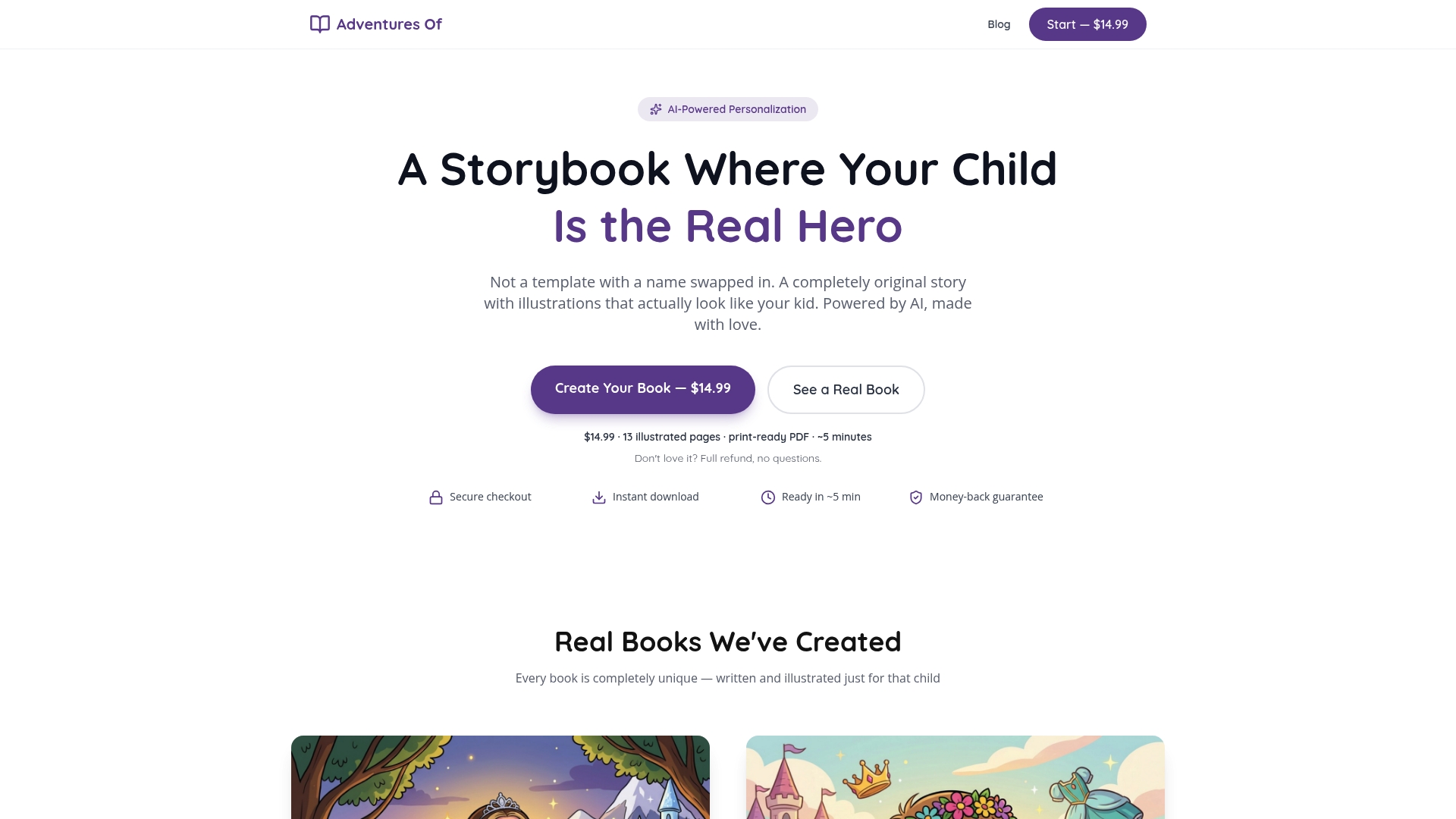
Adventuresofbook takes a different approach to interactive children's books. Instead of a generic character your child watches from the outside, Adventuresofbook puts your child directly inside the story. You upload a photo, add your child's details, and AI generates an original story with illustrations that actually look like your kid. No templates, no name-swap. The result is a 13-page, 8.5x8.5 print-ready PDF you can download in about five minutes for $14.99, with a 7-day refund if it does not land right.
Personalization is its own form of interactivity. When a child sees their own face on the hero of the story, engagement goes up in a way no flap or quiz can replicate. You can create your child's book directly on the site, or browse the full range of personalized storybook options to find the right fit.
FAQ
What are interactive children's books?
Interactive children's books require active participation from the reader through physical elements like lift-the-flaps and textures, or digital features like embedded audio and story-path choices. They are designed to engage children in the reading process rather than having them passively absorb text.
What is an interactive digital book for kids?
An interactive digital book goes beyond a static PDF by responding dynamically to user input through animations, embedded audio, quizzes, and touch-triggered events. High-quality versions are built on the EPUB3 standard using HTML5 and JavaScript.
What types of kids books are best for toddlers?
Touch-and-feel and lift-the-flap books are the best interactive formats for toddlers because they match sensory and motor development at that age. Board book versions of these formats hold up better to daily handling.
How do interactive books help with reading development?
Interactive books support vocabulary acquisition, reading comprehension, and flexible thinking by requiring children to predict, choose, and respond rather than passively read. Adult-led open-ended questions during reading further strengthen these outcomes.
Are digital interactive books better than physical ones?
Neither format is universally better. Physical books offer tactile engagement and durability without screen time, while digital books provide multimedia support and accessibility features. Mixing both formats across a child's reading routine delivers the broadest developmental benefits.