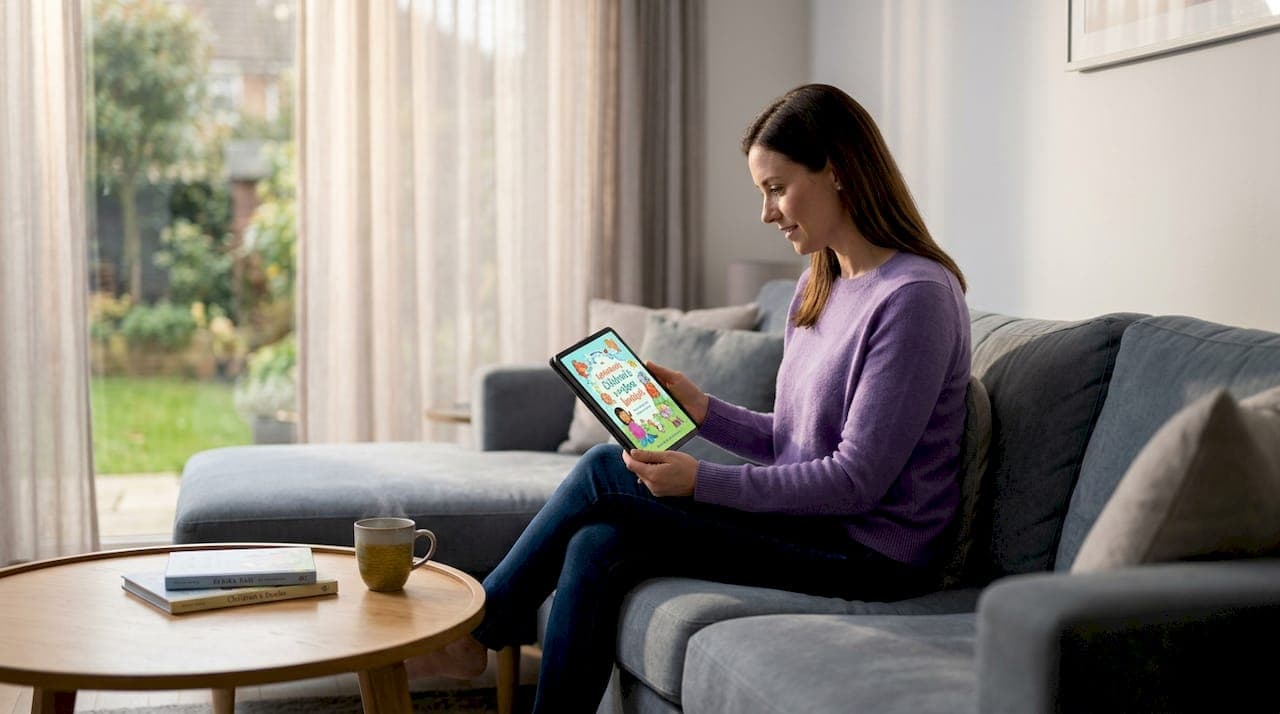
Instant downloadable storybooks are personalized children's books delivered as digital files that parents can access, download, and print the moment a purchase is complete. No shipping wait, no backorder. You get a PDF on your screen within minutes, ready for storytime or the print shop. Platforms like Adventuresofbook use AI technology to generate original stories and custom illustrations from a child's real photos, making each book genuinely unique rather than a name-swap on a recycled template. This guide covers what these books are, why research supports their educational value, what the technical details actually mean for printing, and how to get the most out of them.
What are instant downloadable storybooks?
Instant downloadable storybooks are digital picture books, typically delivered as PDF files, that parents receive immediately after purchase and can print at home or through a local print service. The industry term for this product category is "personalized children's e-books," though the downloadable format is what sets them apart from subscription apps or streaming-only platforms. The key distinction is ownership: you download the file, you keep it, and you can print it as many times as you want.
The format has grown significantly because it solves a real problem for parents. You need a gift by Saturday, or you want a book ready for bedtime tonight. A service like Adventuresofbook generates a fully original storybook in about five minutes, starring your child based on uploaded photos and personal details. That is a fundamentally different product from a printed book shipped in two weeks.
The PDF format matters because it preserves layout, fonts, and image quality regardless of the device or printer you use. A well-formatted storybook PDF is print-ready at home on standard letter paper or at a professional print shop for a bound copy. The difference between a good and a poor instant download often comes down to how carefully that PDF was built, which we cover in detail below.
How do digital storybooks benefit children's literacy?
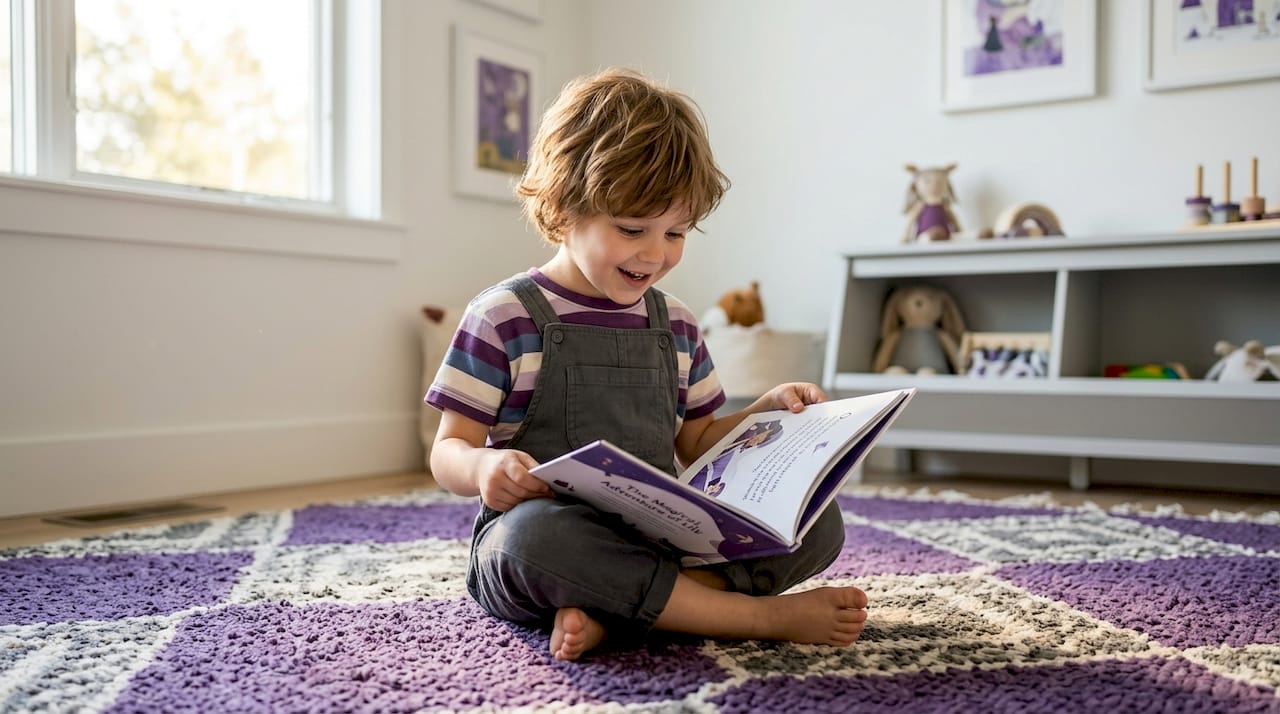
Digital storybooks improve reading comprehension, vocabulary acquisition, and engagement for young learners. A 2026 systematic literature review of 10 empirical studies from 2018 to 2024 found that multimodal features like audio narration and text highlighting help children process information and stay motivated through a story. That means the format itself is doing educational work, not just delivering words on a page.
"Multimodal learning supports in digital storybooks create more motivated learners by combining visual cues, audio narration, and interactive elements that reinforce vocabulary and comprehension simultaneously." — 2026 Systematic Literature Review on Digital Storybooks
The practical takeaway for parents is straightforward. A storybook that pairs illustrated scenes with readable text gives a child multiple entry points into the story. They connect the picture to the word, the word to the sentence, and the sentence to what they already know. That layered processing is what builds real reading skill.
Key literacy benefits supported by the research include:
- Vocabulary growth: Children encounter new words in context, supported by matching illustrations that clarify meaning without interrupting the story.
- Comprehension gains: Visual storytelling helps children follow narrative structure, which transfers directly to independent reading.
- Engagement and motivation: Personalized content, where the child is the main character, increases attention and emotional investment in the story.
- Multimodal learning support: Digital versions with audio narration add a listening layer that benefits early readers who are not yet fully decoding text.
Experts consistently note that parent or teacher involvement amplifies these benefits. Reading alongside a child, asking questions about the story, and connecting the narrative to real life turns a good book into a genuine learning moment.
What parents need to know about download formats and print quality
Print-ready PDF files must meet specific technical standards to produce a clean, professional result. KDP formatting requirements from Kindle Direct Publishing provide the clearest public benchmark: outside margins of at least 0.25 inches, inside (gutter) margins that increase with page count, images at 300 DPI or higher, and all fonts embedded directly in the PDF. These are not arbitrary rules. They exist because printers need that data to reproduce the file accurately.
Here is what those requirements mean in practice for a 13-page children's storybook:
- Gutter margins: The inside edge of each page needs extra space because it disappears into the binding. Inadequate gutter margins are the most common formatting error in self-printed books, and the result is text or illustrations that get swallowed by the spine.
- Trim size: The PDF must match the exact dimensions of the paper you are printing on. An 8.5x8.5 inch storybook printed on standard 8.5x11 paper requires the print dialog to be set correctly, or the layout will shift.
- Image resolution: Illustrations at 300 DPI look sharp in print. Anything below 150 DPI will look blurry or pixelated, especially on a home inkjet printer.
- Font embedding: If fonts are not embedded in the PDF, your printer substitutes a default font. The result looks nothing like the original design.
- Bleed: Professional print services expect images that extend 0.125 inches beyond the trim edge so there are no white borders after cutting.
| Technical requirement | Why it matters |
|---|---|
| 300 DPI minimum resolution | Prevents blurry illustrations in print |
| Embedded fonts | Preserves original typography on any printer |
| Correct gutter margins | Keeps text visible after binding |
| Exact trim size match | Prevents layout shift during printing |
| 0.125" bleed | Eliminates white borders on cut pages |
Pro Tip: Before sending a storybook PDF to a local print shop, open it in Adobe Acrobat Reader and use File > Properties > Fonts to confirm all fonts are listed as "Embedded Subset." If any font shows as not embedded, the print shop's system will substitute it.
AI-generated storybooks add another layer of complexity here. Maintaining consistent character appearance across illustrated pages requires careful orchestration beyond simple image generation. A child who looks like themselves on page one should look the same on page seven. That consistency is an engineering challenge, not just a creative one, and it is one reason quality varies significantly between providers.
Digital-only vs. print-ready: which format suits your family?
The choice between a digital-only storybook experience and a print-ready instant download depends on what you actually want the book to do. Neither format is wrong. They serve different purposes.
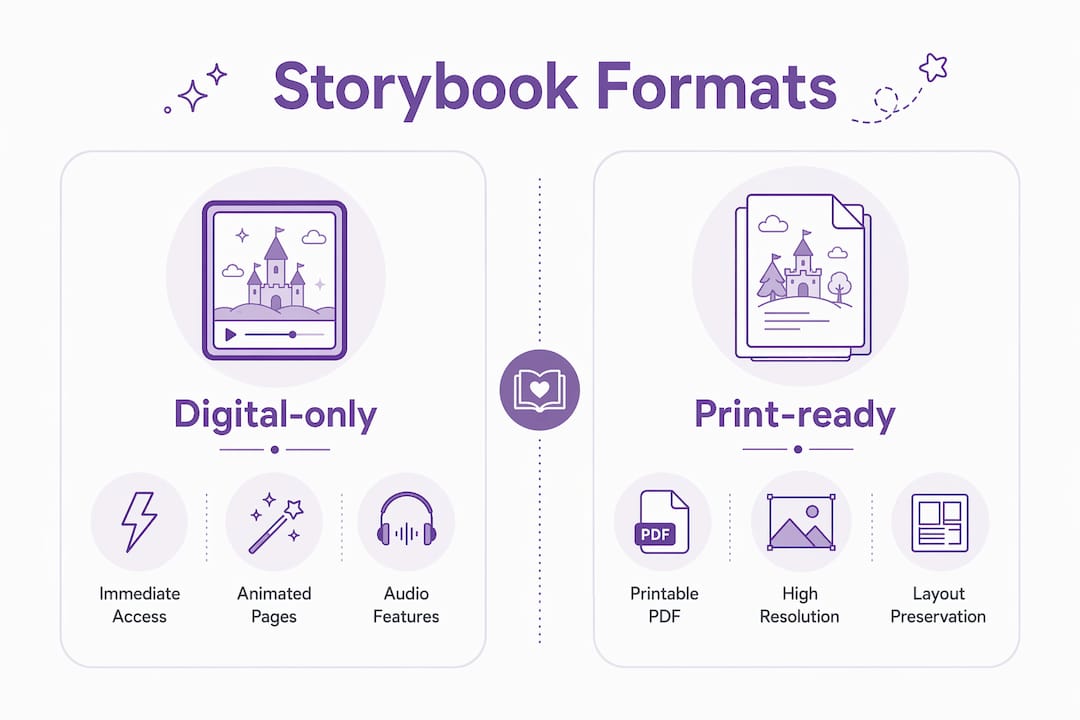
Digital-only storybooks, typically delivered through apps or browser-based platforms, often include animated pages, audio narration, and interactive taps that respond to a child's touch. These features are genuinely engaging, especially for children aged two to five who are still building fine motor skills and attention spans. The limitation is that the experience lives on a screen and cannot be held, gifted as a physical object, or read during a power outage.
Print-ready instant downloads work differently. Format alone is not enough; good storybooks need experience design suited to both print and digital to deliver long-term literacy value. A PDF that was designed for print from the start will look and feel like a real book. One that was converted from a digital-first format often loses its proportions, spacing, or visual hierarchy in the process.
Here is a direct comparison:
| Feature | Digital-only storybook | Print-ready instant download |
|---|---|---|
| Access speed | Immediate | Immediate |
| Interactive features | Audio, animation, taps | None in print version |
| Physical gifting | Not possible | Yes, once printed |
| Screen dependency | Required | Not required after printing |
| Long-term durability | Platform-dependent | Physical copy lasts indefinitely |
| Print quality control | N/A | Depends on PDF formatting |
The practical answer for most parents is that a print-ready PDF gives you more options. You can read it on a tablet tonight and print a bound copy for a birthday gift next week. Adventuresofbook formats its output as an 8.5x8.5 print-ready PDF specifically because parents want that flexibility. The personalized storybook works on screen and holds up as a physical keepsake.
How to download, print, and use your storybook effectively
Getting from purchase to printed book is simpler than most parents expect. The process breaks into three stages: downloading the file, preparing it for print, and making the most of it at storytime.
Downloading your file:
- Save the PDF to a folder you will remember, not just your browser's default downloads location.
- Rename the file with your child's name and the date so you can find it easily later.
- Back it up to Google Drive, iCloud, or a USB drive. You paid for it once; you should be able to reprint it anytime.
Printing at home or professionally:
- Home printing on standard 8.5x11 paper works well for a first read-through. Set your printer to "fit to page" and use the highest quality setting available.
- For a bound keepsake, take the PDF to a local FedEx Office, Staples, or independent print shop. Ask for color printing on 80lb or 100lb matte paper, saddle-stitched or spiral-bound.
- Professionally formatted PDFs that meet KDP-style standards make home or local printing straightforward and produce clean, sharp results.
Pro Tip: When printing at a copy shop, tell them the file is already formatted for print and ask them not to resize it. Auto-scaling at the print shop is the most common cause of cut-off margins.
Maximizing engagement at storytime:
- Read the book together the first time rather than handing it to the child alone. Point to the illustrations and ask what they see before reading the text.
- Use the child's name as you read, pausing to let them fill in the blank. This builds phonemic awareness and keeps attention locked in.
- For neurodiverse children, social stories and personalized narratives have documented benefits for emotional regulation and comprehension. A book where your child is the hero can reduce anxiety around new situations by framing them as adventures the child has already navigated.
Key takeaways
Instant downloadable storybooks deliver the most value when the PDF is professionally formatted, the content is genuinely personalized, and parents read alongside their child to activate the literacy benefits research has documented.
| Point | Details |
|---|---|
| Definition and access | Instant downloadable storybooks are PDFs available immediately after purchase, ready to print or read on screen. |
| Literacy research support | A 2026 systematic review confirms digital storybooks improve comprehension, vocabulary, and engagement in young learners. |
| Print quality requirements | PDFs need 300 DPI images, embedded fonts, correct gutter margins, and exact trim sizes to print cleanly. |
| Digital vs. print tradeoffs | Digital-only formats offer interactivity; print-ready downloads offer physical gifting and screen-free reading. |
| Personalization advantage | AI-generated books using real child photos outperform name-swap templates in engagement and emotional connection. |
Why print quality is the detail most parents overlook
I have looked at a lot of personalized children's books, and the thing that separates a book a child returns to from one that gets forgotten in a drawer is almost never the story concept. It is the physical quality of the printed object. A blurry illustration or a page where the text runs into the spine tells a child, at some level, that the book was not made carefully. Kids notice that, even if they cannot articulate it.
The technical side of this, the margins, the DPI, the font embedding, sounds like printer jargon. But it is actually the difference between a book that looks like it came from a bookstore and one that looks like a school photocopy. Parents who invest in a personalized storybook deserve the latter, and the only way to get it is to choose a provider that built the PDF correctly from the start.
What I find genuinely different about Adventuresofbook is that the output is designed for print from the ground up, not adapted from a screen-first format. The 8.5x8.5 trim size, the KDP-ready formatting, the illustrated pages that maintain consistent character likeness across the whole book. That is harder to do than it looks, and most template-based services do not bother because they are not expecting you to print it. If you want a book your child can hold, that distinction matters.
— Jason
Create your child's personalized storybook with Adventuresofbook
Adventuresofbook builds original storybooks where your child is the real hero, not a placeholder name in a recycled plot. Upload a photo, share a few details about your child, and the AI generates a completely original story with custom illustrations that actually look like your kid. The whole process takes about five minutes.
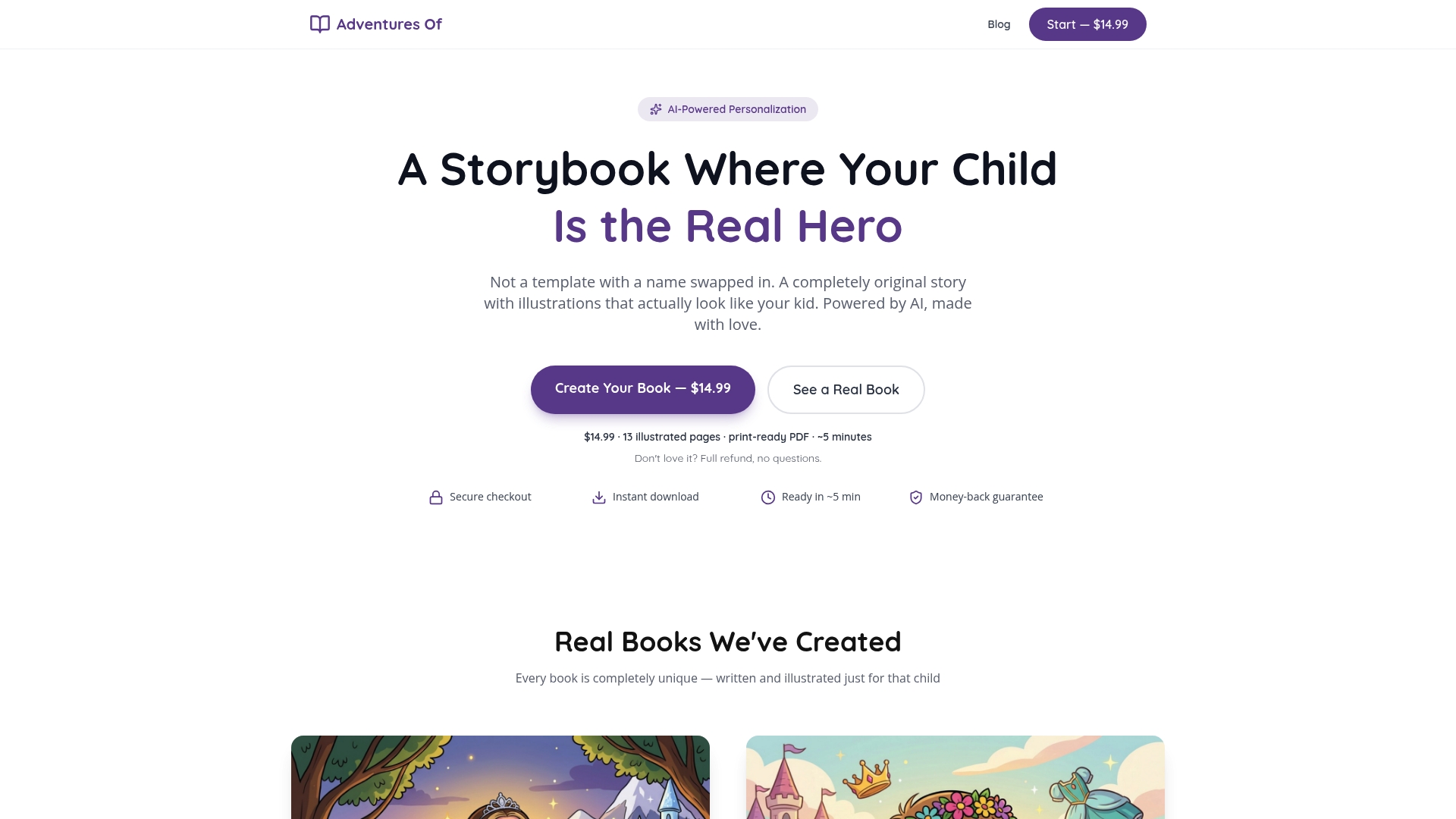
Each book is 13 illustrated pages, formatted as an 8.5x8.5 print-ready PDF that meets professional printing standards. You can read it on screen tonight or print a bound copy for a gift. The one-time price is $14.99, and there is a 7-day refund policy if you are not satisfied. Start at Adventuresofbook's personalized storybooks and have a book ready before bedtime.
FAQ
What is an instant downloadable storybook?
An instant downloadable storybook is a personalized children's book delivered as a digital file, usually a PDF, that parents can access and print immediately after purchase. No shipping is required.
How do I download and print a storybook at home?
Save the PDF to your device, open it in a PDF reader, and print using your highest quality setting on standard paper. For a bound copy, take the file to a local print shop and request color printing on heavier paper stock.
Are digital storybooks actually good for children's reading development?
Yes. Research from 2026 confirms that digital storybooks with multimodal features improve reading comprehension and vocabulary in young learners, particularly when a parent reads alongside the child.
What makes a storybook PDF print-ready?
A print-ready PDF includes images at 300 DPI or higher, embedded fonts, correct gutter margins, and a trim size that matches the paper being used. Missing any of these elements typically results in blurry images, shifted layouts, or text cut off at the spine.
How is Adventuresofbook different from template-based personalized books?
Adventuresofbook generates a completely original story and illustrations from your child's uploaded photos, rather than inserting a name into a pre-written template. Each book is unique to one child and cannot be replicated for another.