
AI-powered story creation is the process of collaborating with artificial intelligence to generate, shape, and refine children's stories with real creative control. The industry term for this practice is automated narrative generation, though most writers and parents know it simply as AI storytelling. This guide to AI-powered story creation covers everything from picking the right tools to maintaining emotional depth across every page. Generative AI is widely viewed as a creative support tool that improves personalization and efficiency, not a replacement for the human vision that makes a story matter to a child.
What is a guide to AI-powered story creation, and why does it matter?
AI-powered story creation is not about pressing a button and printing whatever comes out. It is a structured collaboration where you supply the vision, the character details, and the emotional stakes, and the AI supplies speed and drafting power. AI provides velocity, but human vision drives quality. That distinction matters most in children's literature, where a story needs to feel personal, not procedural.

The payoff for parents, educators, and writers is real. A story built around a specific child, with their name, their dog, their fear of thunderstorms, lands differently than any template book. AI makes that level of personalization achievable without a professional author on retainer. The key is knowing how to direct the process rather than just accepting the first draft.
What tools and preparations do you need before starting?
Choosing the right tool is the first decision that shapes everything else. AI storytelling platforms fall into two broad categories: general-purpose large language models (LLMs) and specialized AI storytelling platforms built for narrative work.
| Tool category | Best for | Key limitation |
|---|---|---|
| General-purpose LLMs | One-off drafts, quick experiments | No persistent memory across sessions |
| Specialized narrative platforms | Series, character-driven stories | Higher learning curve, sometimes higher cost |
| AI illustration tools | Generating images from story scenes | Requires separate text workflow |
| Combined story and image platforms | End-to-end children's book creation | Fewer customization options per feature |
Generic AI tools suffice for one-off drafts, but structured AI systems become necessary for repeatable, character-driven stories. That gap shows up fast when you try to write a second chapter and the AI has forgotten everything about your main character.
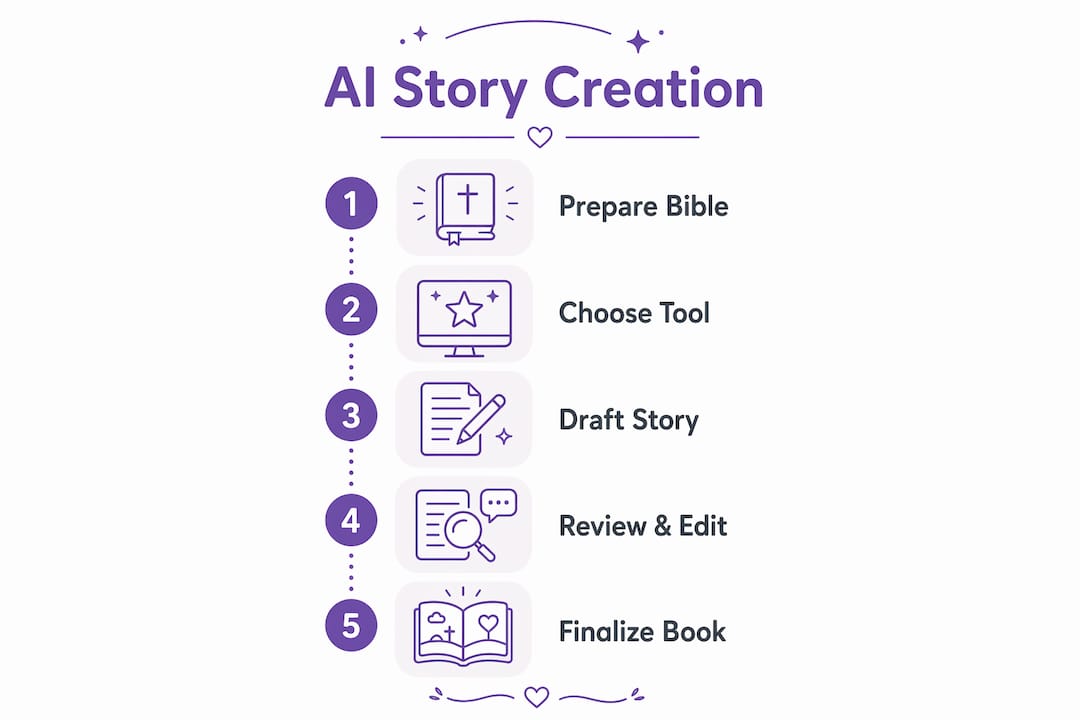
Before you write a single prompt, build what writers call a Story Bible. This is a living document that holds your character profiles, world rules, and plot beats. It answers questions like: What does your protagonist want? What are they afraid of? What does their world look like and smell like? The Story Bible is what you paste into every new session to keep the AI on track.
- Character profiles: Name, age, personality traits, speech patterns, and one defining fear or goal
- World rules: Physical setting, tone (funny, gentle, adventurous), and any rules the story world follows
- Narrative arc: A simple three-beat structure: problem, attempt, resolution
- Tone references: One or two published children's books whose voice you want to echo
Pro Tip: Write your Story Bible before you open any AI tool. Thirty minutes of preparation saves hours of correction later.
How do you collaborate with AI to write a children's story step by step?
Effective AI story generation mirrors professional writing: ideation, character building, outlining, drafting, and revision. Each phase has a clear job, and skipping one creates problems in the next.
-
Start with a seed idea. Write one sentence describing the core conflict. "A shy girl named Mia must ask a dragon for help finding her lost cat" is a seed. "A fun adventure" is not.
-
Paste your Story Bible. Open your AI tool and paste the full Story Bible before any creative prompt. This front-loads the constraints the AI needs to stay consistent.
-
Request a scene outline first. Ask the AI to outline three to five scenes before drafting prose. Reviewing the outline costs two minutes. Rewriting a full draft costs twenty.
-
Draft one scene at a time. Prompt the AI to write a single scene, not the whole story. Shorter outputs are easier to review and redirect.
-
Apply veto power immediately. Read each scene and mark anything that feels generic, off-voice, or inconsistent with your Story Bible. Do not move forward until that scene is right.
-
Use negative constraints in your prompts. Tell the AI what to avoid. "Do not use the phrase 'little did she know.' Do not make the dragon friendly in the first scene." Negative constraints and veto power lead to richer, more controlled narrative outputs.
-
Request multiple variations for key moments. Ask for three different versions of the emotional climax. Pick the one that feels most true to your character, then refine it.
-
Revise with your own voice. Read the final draft aloud. Anywhere it sounds stiff or generic, rewrite it yourself. The AI draft is a starting point, not a finished product.
Pro Tip: When you feel stuck or the output feels flat, stop prompting and re-read your Story Bible. Prompt fatigue usually means you have drifted from your original vision, not that the AI has failed.
How do you maintain consistency and emotional engagement throughout?
Emotional engagement is not a nice-to-have in children's literature. AI-generated stories that maintain affective resonance improve children's investment in characters and plot. A child who cares about Mia will sit still for the whole book. A child who does not will flip to the pictures and move on.
The single most reliable technique is updating your Story Bible after every session. Add what happened in the last scene. Note any new character details that emerged. Record which emotional beats landed and which felt thin. A living Story Bible is the most important factor in consistent AI storytelling across multiple chapters or a series.
Sensory detail is the fastest way to create emotional connection. Instead of "Mia was scared," prompt the AI to write "Mia's hands went cold and she pressed her back against the wall." Concrete physical detail does the emotional work without telling the reader how to feel. You can learn more about how this applies to AI-illustrated children's books and what makes them land with young readers.
Common consistency pitfalls and how to fix them:
- Character drift: The AI gives your shy protagonist a bold speech in chapter three. Fix: paste the character profile at the top of every new prompt.
- Tone shift: The story starts gentle and turns sarcastic. Fix: include a tone reference sentence in every prompt ("Write in the warm, gentle tone of a bedtime story").
- Plot holes: An object disappears between scenes. Fix: keep a running scene log in your Story Bible and check it before each new prompt.
- Generic emotional beats: "She felt happy" instead of a specific reaction. Fix: ask the AI to show the emotion through a physical action or a piece of dialog.
Pro Tip: Front-load every prompt with two things: the character's current emotional state and the single goal for this scene. That combination cuts generic output faster than any other technique.
What are the most common challenges in AI story creation, and how do you fix them?
The most frequent complaint from writers using AI for children's stories is generic output. The AI produces technically correct prose that feels like it could belong to any story about any child. That problem has a direct cause: vague prompts. Specificity is the fix, not a better tool.
Structured collaborative workflows with detailed Story Bibles reduce generic AI narrative output significantly. The difference between a flat draft and a vivid one is almost always in the preparation, not the AI model itself.
A second common issue is confusing a one-off draft with a repeatable production workflow. Failing to distinguish between the two causes maintenance problems that compound over time. If you plan to write a series or produce books regularly, a general-purpose LLM will frustrate you. A specialized platform with persistent cross-session memory prevents the character drift and plot inconsistency that come from starting fresh every session.
Troubleshooting checklist:
- Output feels generic: Add three specific sensory details to your prompt and name the emotion you want the scene to avoid stating directly.
- Character sounds wrong: Paste the full character profile and add two lines of sample dialog that capture their voice.
- Story loses momentum: Check your scene outline. If you skipped the outline step, write one now and re-prompt from there.
- AI ignores your constraints: Break the prompt into smaller pieces. One instruction per prompt is more reliable than five stacked together.
- You are rewriting more than you are writing: The AI is not calibrated to your project. Rebuild the Story Bible and restart the session with a full context paste.
Key Takeaways
AI-powered story creation works best when human vision, structured preparation, and iterative review guide every step of the process.
| Point | Details |
|---|---|
| Build a Story Bible first | Document characters, world rules, and tone before opening any AI tool. |
| Use negative constraints | Tell the AI what to avoid to get richer, more specific narrative output. |
| Update your Story Bible constantly | Add new details after every session to prevent character drift and plot holes. |
| Match the tool to the project scope | Use specialized platforms with persistent memory for series; general LLMs for one-off drafts. |
| Revise with your own voice | AI drafts are starting points. Read aloud and rewrite anything that sounds flat or generic. |
What I have learned from watching AI storytelling actually work
The conversation around AI and children's books tends to split into two camps: people who think AI will write everything, and people who think it will ruin everything. Neither camp is right, and both miss the practical reality.
What I have seen work, consistently, is structured human-AI collaboration where the human does the creative heavy lifting upfront. The Story Bible is not a nice extra. It is the whole game. Writers who skip it spend three times as long fixing drift and generic prose as writers who spend thirty minutes building one before they start.
The part that surprises most parents is how much creative control they actually have. You are not at the mercy of whatever the AI produces. You set the emotional stakes. You define the character. You decide what the story is really about. The AI fills in the sentences. That division of labor is genuinely useful, especially for parents who have a clear picture of what their child needs from a story but do not have the time or confidence to write it from scratch.
The limitation worth naming honestly is this: AI does not know your child. It knows what you tell it. The more specific and honest you are in your Story Bible, the more the story will feel like it was written for one real kid. That specificity is also what separates a meaningful personalized book from a template with a name swapped in. You can read more about personalized vs. template books if you want a clear breakdown of that difference.
My advice: treat the AI as a very fast first-draft writer who needs detailed direction. Give it that direction, review everything, and rewrite the parts that do not sound like the story you set out to tell.
— Jason
How Adventuresofbook brings this to life for your child
If the workflow above sounds like more than you want to manage right now, Adventuresofbook does the heavy lifting for you.
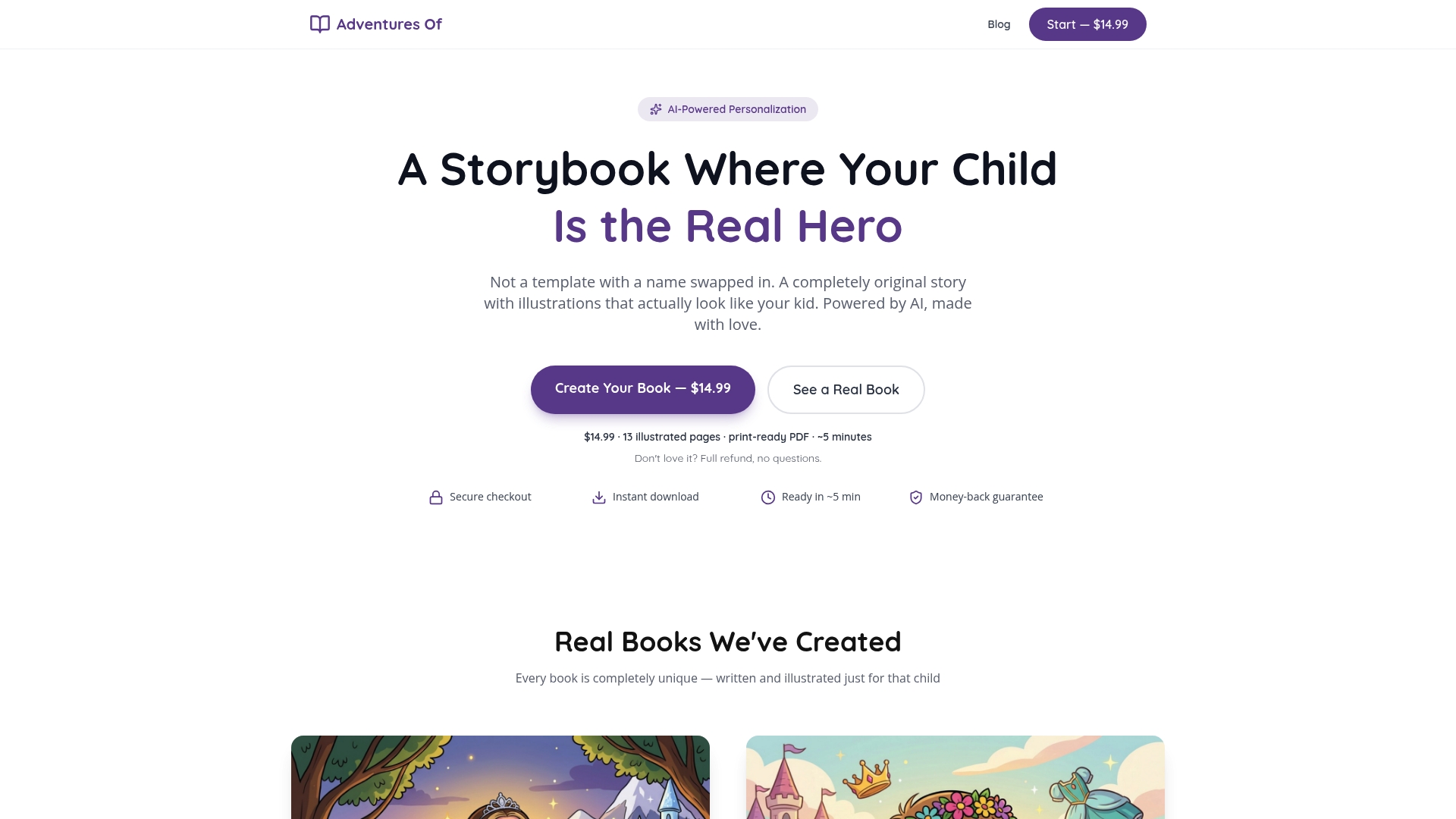
Adventuresofbook creates personalized children's books where your child is the actual protagonist, illustrated from real uploaded photos. There are no templates and no generic characters with a name swapped in. You upload a photo, share a few details about your child, and the AI generates an original story and matching illustrations in about five minutes. The result is a 13-page, 8.5x8.5 print-ready PDF for $14.99, backed by a 7-day refund policy. Every book is built for one child, not adapted from a stock story. If you want to see what a fully realized AI-generated children's book looks like before committing, the Adventuresofbook library shows the range of stories the platform produces.
FAQ
What is AI-powered storytelling?
AI-powered storytelling is the practice of using artificial intelligence to generate, draft, and refine narrative content with human creative direction. The AI handles drafting speed while the human supplies character vision, emotional stakes, and quality control.
How do I use AI for children's story writing?
Start with a detailed Story Bible covering your character, world rules, and tone, then paste it into your AI tool before every prompt. Draft one scene at a time, apply veto power immediately, and revise the final output in your own voice.
What is a Story Bible and why does it matter?
A Story Bible is a document that records your character profiles, world rules, plot beats, and tone references. Maintaining a living Story Bible is the single most important factor in keeping AI-generated stories consistent across sessions.
Do I need a specialized AI tool or will a general one work?
General-purpose LLMs work well for single, standalone stories. For a series or any project requiring consistent characters across multiple sessions, a specialized platform with persistent memory reduces manual correction time significantly.
How do I stop AI from producing generic children's story output?
Use negative constraints in every prompt by telling the AI exactly what to avoid, and request multiple variations of key scenes. Prompt techniques involving tonal references and thematic priorities improve story uniqueness more reliably than switching AI tools.